
Where North Carolina Arrest Feeds Differ
North Carolina recent arrests live in many separate systems. No single state-run roster posts every booking. Each county detention office chooses what the public sees. Some list current custody, admissions, or releases. Others post a daily report or a rolling window. A few offer nothing useful online at all. Shared and contracted detention space complicates matters further. The county where the arrest happened may not be the county that booked the person into jail, especially after a highway arrest or when a regional facility takes custody.
Two local portals show how different the controls can be. The Anson County Citizen Connect search lets you narrow results to current confinement or admissions, with a last-24-hours shortcut and a custom date range. The Wilson County Sheriff portal keeps its current search results apart from its rolling hour views. Neither is a complete statewide feed. A link can also change its options without notice.
One more layer of caution: a roster confirms custody, not the story behind it. A court portal may list a case weeks after release. The enforcement entry, the booking record, and the court case each sit with a different custodian and a different time stamp. A result can vanish from one layer while another has barely loaded it. Before trusting any entry as current, read the agency name, the facility, the date label, and the update note.
Charges, warrants, photographs, and arrest entries are law-enforcement records, nothing more. Courts decide outcomes, and charges can shift or disappear as a case moves forward.
Find Arrests by North Carolina County
Begin your search where the booking happened. An arrest location alone can mislead you. North Carolina's 100 counties are the practical path to local rosters and records offices. The North Carolina County Directory names each county seat and links to that county's local site, though the seat is just a navigation aid. It does not mean the jail sits in that town or that every county runs its own facility.
Regional jails and shared service agreements are common here. When a local search comes up empty, check the neighboring or receiving jurisdiction named by the arresting agency, then reach out to the correct custodian. Many county sites also carry city-level pages explaining which police department made the arrest and where the person was booked. Those city pages route into county systems rather than serving as separate feeds.
Some sheriffs offer mobile apps. These may mirror local booking notices or alerts. But availability, date ranges, and photo display all stay county-specific, so no app replaces the county roster or covers every detention system in North Carolina.
Search the official fields in this order:
- Choose the receiving county. If the arresting agency and booking agency differ, search the agency or regional facility that accepted custody.
- Enter a name or record number. Use the portal’s own spelling and identifier fields, then compare age or other details if several people match.
- Set the date and status filters. Read whether the control means arrest date, admission date, current custody, release, or a rolling time window.
- Check what the result includes. Note the booking number, listed charge, bond or release status, any photo, and the source’s update time; then confirm case outcomes with the court record.
A blank result is not proof that nothing happened. Spelling differences, delays, transfers, releases, sealed records, or a portal limited to current custody can all hide a match. If online filters fail, call the office holding the booking record.
Same-Day and Multi-Day Arrest Windows
No statewide clock defines same day. One county posts a rolling 24-hour filter. Another uses a calendar-day list or a wider 48- or 72-hour window. Daily reports may carry a publication date. That date may differ from the date the person was booked. Always trust the label on the live source over the page title.
| Window | Use it to | Read the result as |
|---|---|---|
| Rolling same-day view | Look for recent admissions in a county or regional system | A source-defined period that may lag intake |
| Current roster | Check whether the person appears in custody now | A snapshot, not a full list of everyone arrested today |
| Multi-day blotter or archive | Look beyond the newest booking window | A selected log with its own date range and update pattern |
| Records request | Ask about a record that no longer appears online | A request to the office that holds the record |
For the statewide picture, Arrests Last 24 Hours covers the same-day landscape. Longer county logs, agency announcements, and historical archives live in the Police Blotter section of the navigation. Neither view replaces a county's own current portal.
Note: A person can be released before a current-custody list is checked, while a booking or court record may remain elsewhere.
What the North Carolina Record Shows
What a record shows depends on the agency, the court, and the public interface. North Carolina law makes certain arrest details public. Yet no statute forces every jail to publish identical screens or every booking photo online. Treat each field as a clue to what the custodian tracks, not a guarantee of what appears on screen.
| Field or filter | What may appear | How to read it |
|---|---|---|
| Name or booking number | The roster’s person name, aliases where supplied, and a booking or intake identifier. | Compare identifiers and age when names match; the field may not be searchable in every county. |
| Date or time window | Booking or admission date, arrest date, release date, or a rolling period. | Read the portal’s own label. A publication date is not always the intake date. |
| Custody status | Current confinement, release, or transfer information when the system exposes it. | A current roster can omit a person who has left custody, while an older log may retain an entry. |
| Charge and bond | An alleged offense, bond amount or type, and sometimes a court date. | These fields can change. A booking charge is not a conviction or a final court disposition. |
| Booking photo | An image only when the custodian’s portal and policy display one. | North Carolina has no single statewide photo feed or universal online-publication rule. |
| Case and offender identifiers | A court case number or NCDAC offender number on the separate court and state-custody layers. | The court portal covers supported cases; NCDAC covers state prison, probation, and parole, not a new county booking. |
Under G.S. 132-1.4, specified arrest information stays public. Criminal-investigation and intelligence records fall outside the public-record definition. The North Carolina eCourts Portal handles cases, not jail rosters. Portals can omit items, redact them, or drop them after a release or policy change.
- Booking
- The intake step when a detention system records a person after an agency delivers custody.
- Disposition
- The court’s recorded outcome for a charge or case.
- Expunction
- A legal process that can remove, seal, or destroy eligible state records under the law that applies.
- Warrant
- A court order authorizing an action, such as an arrest; confirm it with the issuing court or agency.
Official Sources for North Carolina Arrests
Match the source to your question. Sheriffs and regional detention systems own booking and custody data. Police and highway patrol archives record selected enforcement events. The court portal covers supported cases. NCDAC handles state prison, probation, and parole. Federal custody sits outside all of these. A vendor may run a county's search interface, but the county itself remains the record source.
| Source | Best use | Status and caution |
|---|---|---|
| County sheriff or detention portal | Local booking, current custody, or a stated intake window | Official or county-linked; each county controls its own fields and photo policy. |
| County records office | Booking copy, incident report, or a record missing from a live roster | Ask the office that holds the record; it may redact protected material. |
| Police or Highway Patrol release archive | A selected arrest or enforcement announcement | Official news is not a complete jail roster. |
| North Carolina court portal | Case, hearing, or disposition details where supported | Official court layer; not proof that a booking page is complete. |
| NCDAC offender search | State-prison, probation, or parole status after the county stage | Official state layer; it is not the county booking path. |
| Federal BOP or ICE locator | Separate federal prison or immigration detention checks | Different systems, identifiers, and coverage; no public-photo promise. |
| News and commercial arrest pages | Context on a selected story or a secondary copy | Unofficial, selective, and possibly stale; verify with the original custodian. |
A name alone is a weak match. Compare the arresting agency and the event date before you trust any hit. Court questions belong in the court record. Custody questions belong with the jail that booked the person. For state prisoners and supervision cases, use the North Carolina Department of Adult Correction search. That system stands apart from county jails and the federal locator. NC SAVAN works through VINELink, checking linked North Carolina jail and NCDAC custody records and offering free release or transfer alerts. A VINE alert tells you custody status, nothing more. A transfer between jails may force a new registration. The statewide custody check sits in the main navigation.
North Carolina Mugshot Access and Copies
County photo practice is not uniform. Some official rosters display booking photos with a record, some show text only, and others make an image available only through a request or a separate interface. A portal’s old image can outlast a change in case status, while a current page can remove an image when a person is released. Search-engine snippets and commercial reposts do not settle whether a photo is current or lawfully available.
G.S. 15A-502 authorizes specified identification steps, including photographs in covered circumstances. It does not order every jail to publish photos online. For adult state custody, the NCDAC public search may show a profile, but photo display can vary by record. A county jail image and a state offender profile are not the same record.
Secondary publishers can retain a copy after the official source changes. RecentlyBooked says it receives data from public agency sources and that refresh timing varies by county. That description is the publisher’s own statement, not a state endorsement or proof that a listing is complete.
RecentlyBooked’s FAQ describes its sources and update limits; its free update policy applies only when the publisher’s conditions are met. Both are secondary resources, not substitutes for a sheriff’s record.
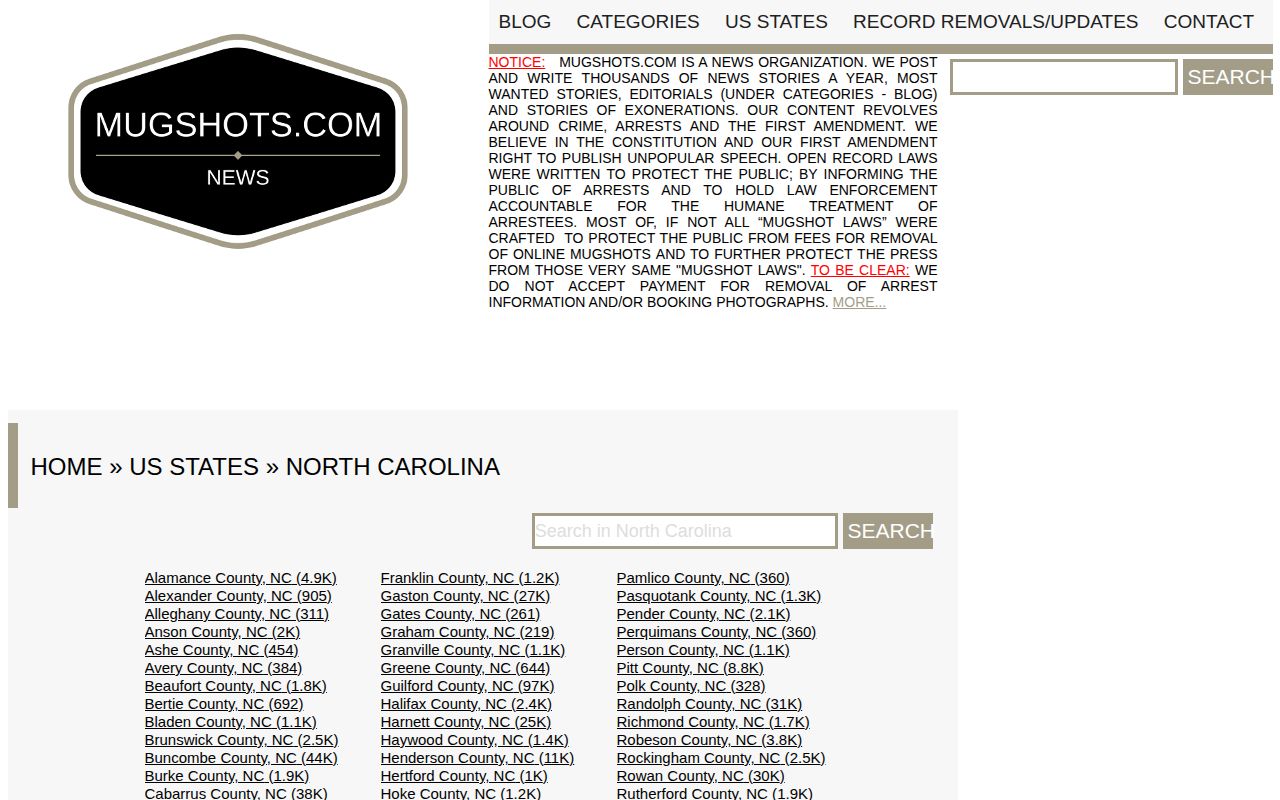
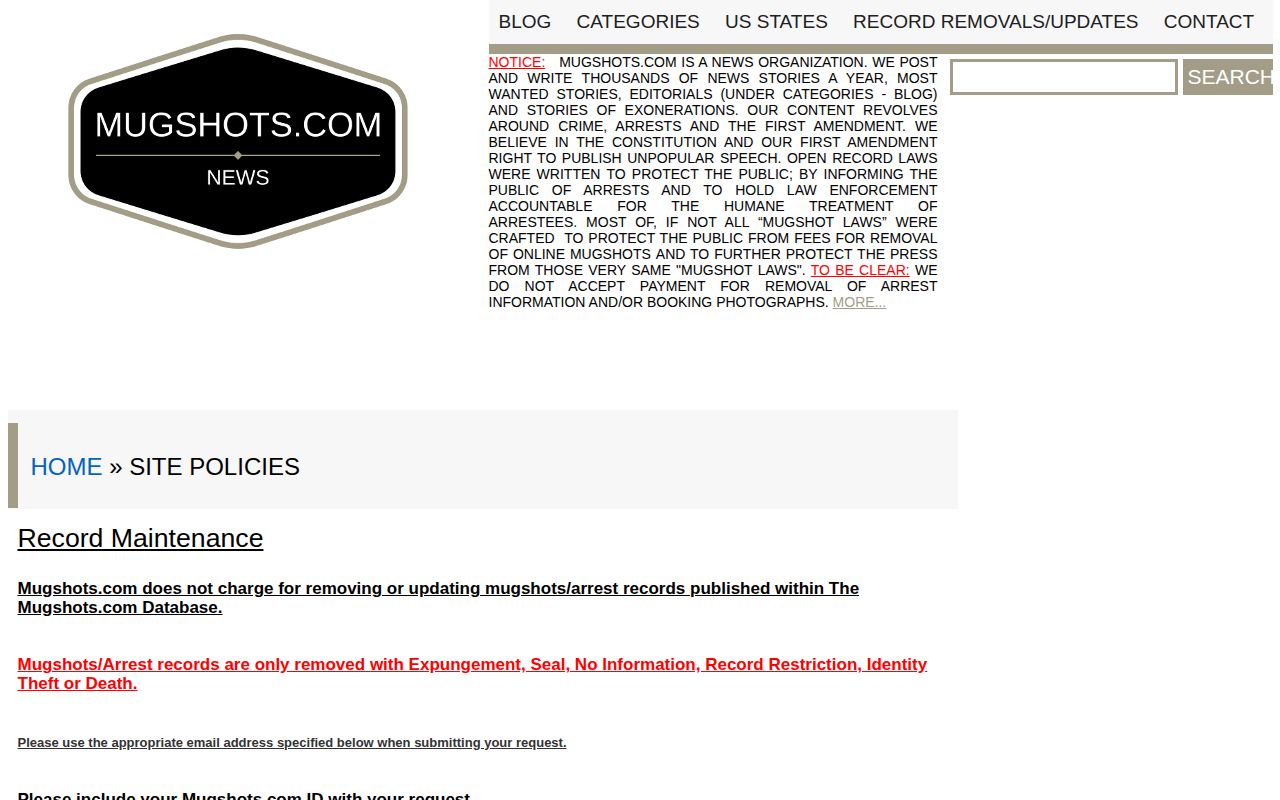
Mugshots.com runs a North Carolina section too. Its own page admits it is not an official record source. Treat any state page or county tab there as a commercial copy of data, not a government roster.
The Mugshots.com North Carolina section shows the kind of secondary page a search can surface. A logo and an editorial statement add no authority to any listing.
Mugshots.zone spreads its coverage across county subdomains rather than one durable statewide page. Its removal form lays out a no-fee process for qualifying documented outcomes. That is publisher policy, not state law.
The Mugshots.zone removal-form example demonstrates a private document process. It is not an official North Carolina portal.
Busted Newspaper's North Carolina index and Arrests.org's state search are unofficial as well. Busted Newspaper describes a free request for qualifying documented court outcomes. It wants the listing link supplied. Arrests.org posts no statewide free policy on its state page. Neither one replaces the county record. For news, WRAL's law-enforcement archive picks reported cases rather than logging every booking. Its correction guidance handles documented updates.
Requesting North Carolina Arrest and Booking Records
When the roster fails you, go to the record custodian. North Carolina's Public Records Act demands prompt inspection and copies at lawful cost. The office does not have to build a new statewide list on request. It may redact protected content or report that nothing responsive exists. Give enough detail, like a name and an arrest date. That way staff can actually find the event. Never ask one office to dig through another agency's system.
- Choose the custodian. For a county booking or photo, use the receiving sheriff or detention records unit found through the County Directory. For a highway incident, use the arresting agency. For a state-prison or supervision record, use NCDAC. For an older transferred file, check the State Archives.
- Describe the record. Include the person’s name, the incident or booking date range, county or facility, arresting agency, case number if known, and the record type requested. Ask for an existing copy or inspection, not a new cross-county report.
- State the format. Say whether an electronic copy, inspection, or paper copy is useful. Ask the custodian to identify any redaction or legal restriction that applies to the requested item.
- Keep the response. Save the request and any fee estimate. If the record concerns a court outcome or expunction, include the relevant case detail or order and ask the original source what notice it needs.
State records follow their own path. NCDAC posts an online public-records route with contact information. The agency sets no single flat booking-report fee statewide. A jail or sheriff can charge its own lawful copy cost, so prices differ by county.
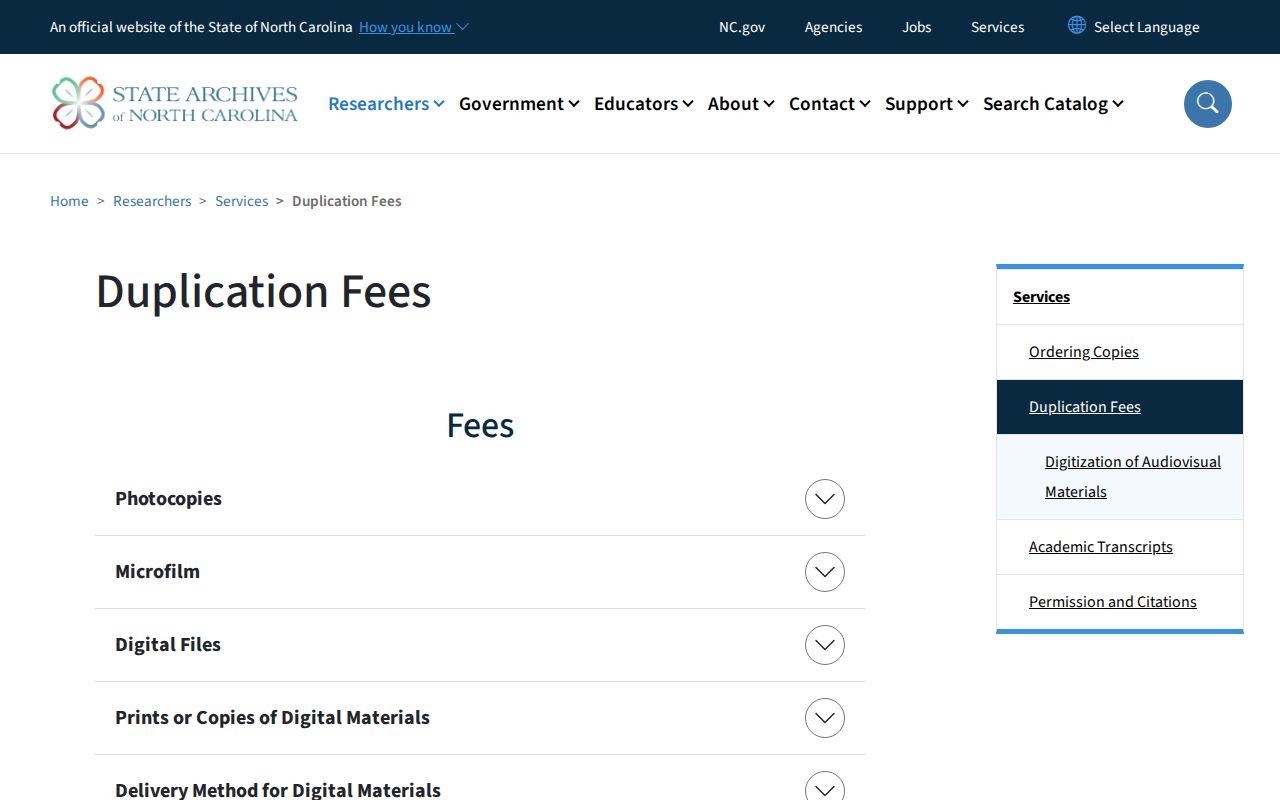
Old records take a separate route. State Archives staff want one specific record or series, not a sweep of everything on a person. Ordering guidance sets a $20 search-and-handling charge per inquiry for nonresidents. The copy-request form lists a $2 fee for up to twenty pages for in-state patrons, plus a $20 upfront out-of-state search fee. General rates run $0.10 for photocopies and $0.25 for microfilm prints, with separate photograph and scan charges. Check current instructions before sending anything. Those archive fees have nothing to do with a county records request.
Warrants, Wanted Lists, and Safe Checks
No single statewide most-wanted roster covers every North Carolina warrant. Each listing has its own meaning. A warrant is a court order. An absconders entry flags a person accused of breaking supervision rules. Missing-person notices, cold-case appeals, and fugitive profiles each serve a different purpose. Read the label and status before assuming what a name means. Confirm any warrant with the issuing court or law-enforcement agency.
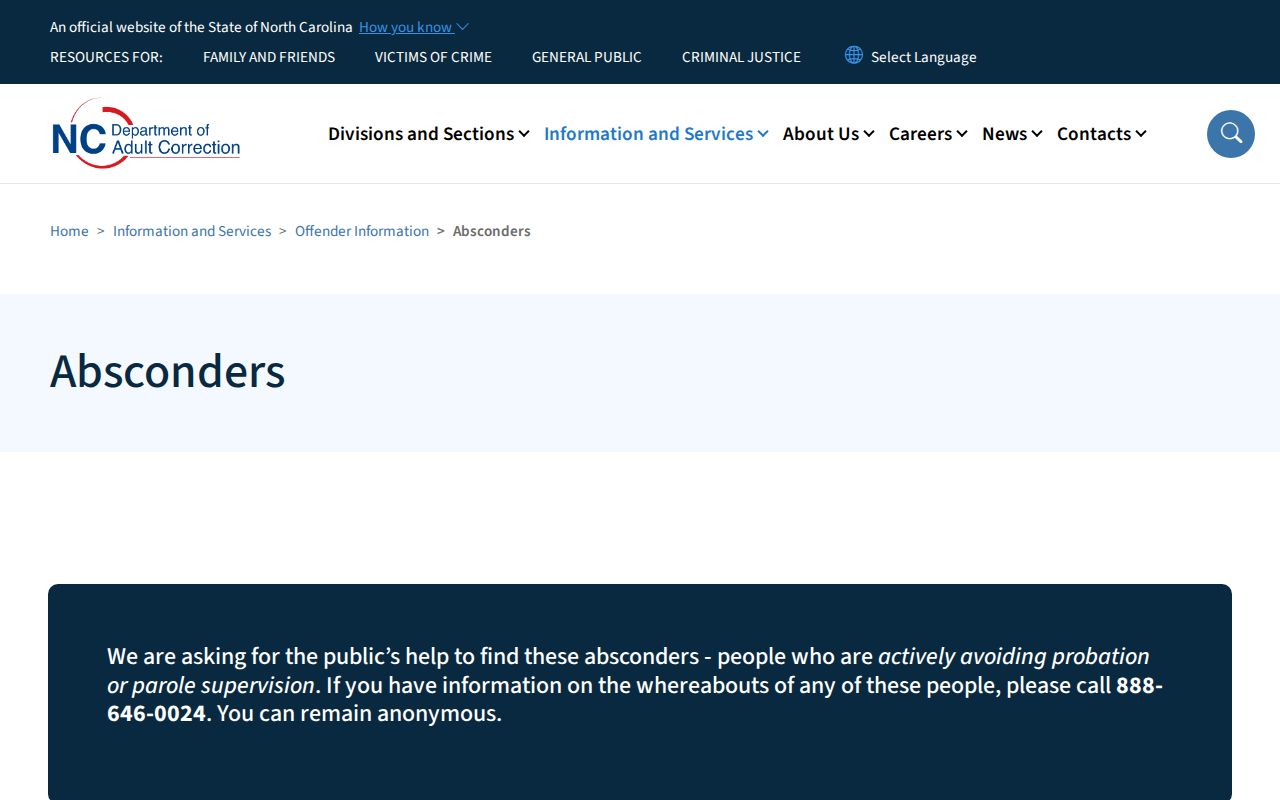
NCDAC keeps an official absconders list. It covers people it says fled probation, parole, or post-release supervision. Tips can go in anonymously. The agency warns the list can lag. That can happen when someone has died or sits in an out-of-state jail. Use the tip route; never make contact yourself.
The U.S. Marshals Service posts profiled fugitives by federal district. That includes the Eastern District and Middle District pages for North Carolina. The SBI runs cold-case and missing-person resources instead, and it posts no statewide most-wanted index. Warrant checks stay local. A lawyer or the issuing court can confirm whether a warrant concerns a specific person.
Safety: Never approach, follow, or confront a wanted person, and never help one dodge arrest. Call 911 for immediate danger. Otherwise, use the agency's official tip route. A public listing is never permission to investigate on your own.
Court, State Prison, and Federal Records
People leave county custody before their court cases end. A released person may drop off a jail roster. The case can still be open in court. A case search can show hearings, charges, dismissals, pleas, acquittals, or convictions where the portal supports that record. So a booking roster and a court docket answer different questions.
After a prison sentence, or during probation and parole, search the North Carolina Department of Adult Correction's offender-search layer. A county jail roster is the wrong tool for that search. The public locator shows names, offender numbers, status, location, sentence or supervision data, and admission or release details. Photo and historical fields vary by record. It will not show a fresh county booking.
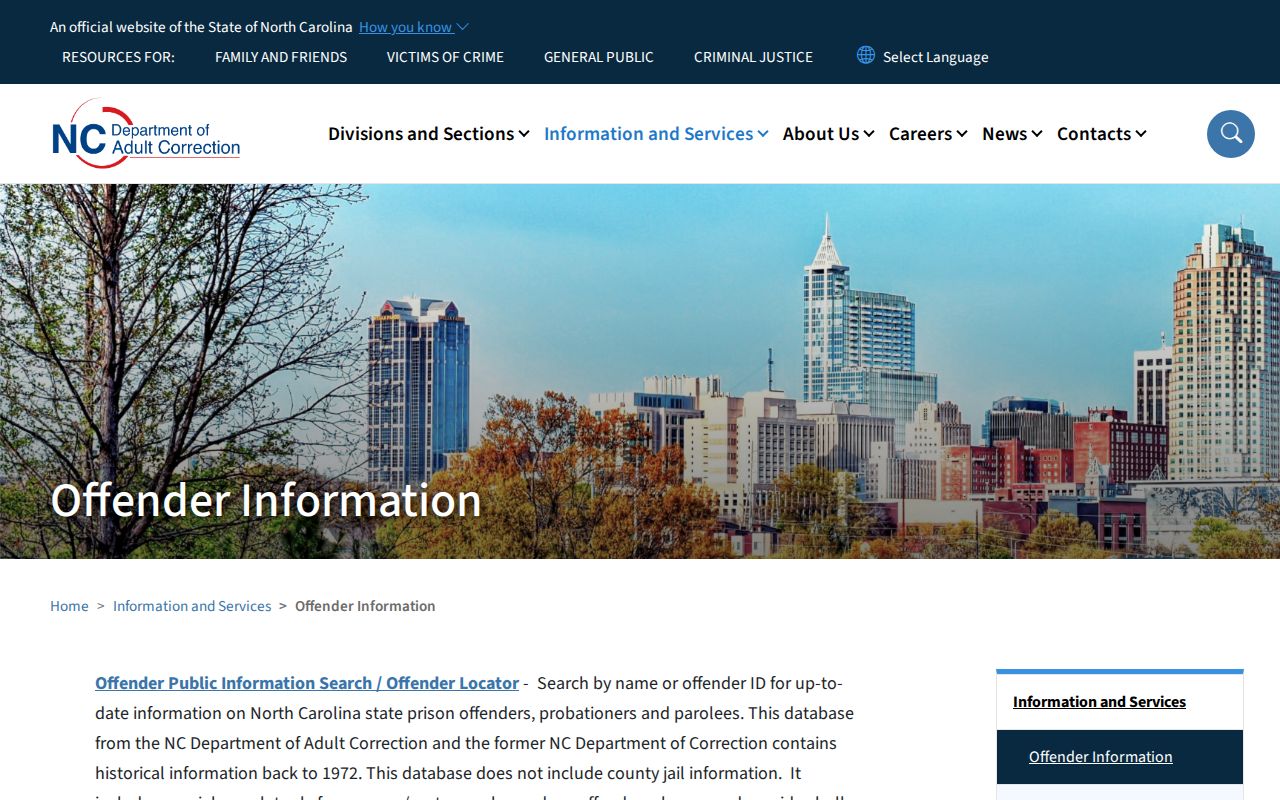
Federal custody is a separate world. The BOP locator works from federal identifiers and status fields, with no public booking-photo field. ICE's Online Detainee Locator follows strict identity rules and has coverage limits. A failed search does not mean freedom. Neither system substitutes for a North Carolina county or state search.
North Carolina’s Laws for Arrest Records
North Carolina's Public Records Act covers material created or received in public business. That includes photographs and electronic files. The criminal-investigation statute draws a line in the other direction. Most investigative and intelligence material stays closed. Certain arrest details must be disclosed. Nothing in the definition forces a county to post booking images online. Statutes, court seals, juvenile protections, and expunction orders can all narrow access further.
No dedicated anti-pay-to-remove booking-photo law is on the books in North Carolina. Recent bills have proposed limiting what agencies hand to pay-to-publish sites or making booking photos confidential outright. None of those bills became law. Legislative pages change, so watch for updates. The North Carolina arrest-record law analysis walks through the statute and bill history. Juvenile rules and expunction get in-depth treatment there.
Juvenile law-enforcement records sit apart from adult records. They are generally withheld. Release usually requires a move to superior court. Never use an adult booking feed to guess at a minor's identity. Do not republish protected details.
Expunction can remove, seal, or destroy eligible records. It depends on the charge, outcome, age, waiting period, and exclusions. Some qualifying cases run through an automatic court process. Still, an automatic court event does not wipe every local portal, commercial copy, or search index. Nothing happens at the same moment. An agency may keep a limited investigative record under statute. No rule makes every internet copy vanish overnight.
Note: A favorable court result can support a correction request, but the custodian and each secondary publisher control their own update steps.
Secondary Arrest Listings Need Review
Commercial arrest sites and news archives are not the booking source of record. RecentlyBooked claims it pulls from official county and sheriff pages. Yet it admits refresh timing varies. Mugshots.com and Mugshots.zone publish copies under their own correction terms. Any of these pages can be stale or incomplete. Some are flat wrong. Confirm the arrest with the named agency. Confirm the court result there too before trusting a repost.
The Mugshots.com update and removal policy lays out a free document process for qualifying matters. It is a secondary channel, not a legal guarantee or a statewide deadline.
Mugshots.zone describes a free documentation route for certain sealed, dismissed, or expunged matters. RecentlyBooked says much the same. Qualifying updates there are not paid removals. A free policy still proves nothing about your own request. And a publisher that agrees to pull a page cannot touch the court record behind it.
So skip strangers promising guaranteed deletion. Money cannot replace a court order, a custodian's correction, or a publisher's written process. Start with the public agency record instead. Keep copies of the paperwork that supports your claim. Read the form first. Share only what it actually requires, never more.
Retention and the Archive Trail
An arrest or booking page online is not a permanent archive. The State Archives governs this through its County Sheriff Office retention schedule. That schedule covers identification photos, mugshots used in formal investigations, inmate-incarceration records, arrest sheets, and commitment and release papers. How long each series lasts depends on the record type. Its place in the case file also shapes the timeline. Online pages are different. Portals roll over. Pages vanish, yet the official case file can survive. A copied booking photo can outlive the listing it came from.
County destruction needs approval from the local governing board first. No board approval, no destruction. Agencies must follow each series and any legal hold that applies. The schedule is not a fixed clock. Not every booking photo is kept forever. None is destroyed at one set year mark.
The State Archives' local-government records guidance explains how schedule approval and destruction rules work.
For transferred state material, the Archives' catalog describes selected record groups and series. It is no live jail roster. It makes no promise that an old arrest photo was ever transferred. A focused request should name the person, the agency or prison, and the county. It should also give a date range. Add the series if you know it. Staff process requests in order, so no single turnaround applies. Photocopies run $0.10 per page. Microfilm prints are $0.25, with separate charges for photographs and scans.
When a Name Is Not Listed
A blank search usually means the records sit in separate systems. A release can drop someone from current custody. The booking record and court case still live on. Custody can also move to a regional facility. Sealing, expunction, juvenile confidentiality, or a plain spelling mismatch changes what a search returns too.
Does a blank roster mean there was no arrest? No. The portal simply returned no match for the search that was run. Confirm the receiving county first. Ask the records unit which date field the portal uses. Then check the court source about any case outcome question.
North Carolina recent arrests sit with many public offices, not on one list. The best result names its custodian. It gives a date window. And it keeps the arrest separate from the later court result.